
Rust Cheats
Rust feature set with visual ESP, weapon options, aimbot settings, miscellaneous tools and configuration controls.
At a glance
Key capabilities
What Rust Cheats focuses on before you open the full module list.
Plus 110 additional modules in the operator portal—see the full list below.
Overview
Rust Cheats
How this build fits ranked, Zero Build, and patch-day workflows.
The Rust feature set includes visual ESP controls, weapon options, aimbot settings, miscellaneous tools and configuration controls.
The listing states 116 modules. Cloud DMA is required for full functionality, and AWS is listed as an option.
Rust Cheats groups visual ESP, weapon controls, aimbot settings, miscellaneous options and configuration tools. The product listing reports 116 included modules.
Status and updates
Check live product status before launch, especially after a game or anti-cheat update. Free updates apply during the selected key period, and setup help is included.
Included feature groups
The listed controls cover players, scientists, animals, ores, collectables, traps, stashes, tool cupboards, dropped items, vehicles, weapons, aiming, miscellaneous options and configuration.
Cloud DMA
Cloud DMA is required for full functionality. The product page also lists AWS as an option.
Modules
What's included
Every module and overlay shipped with Rust Cheats—toggle and tune in the operator portal.
- Toggle Players
- Custom Players Color
- Custom Team Color
- Player Distance Slider
- Toggle Scientists
- Custom Scientists Color
- Scientists Distance
- ESP Style
- Box ESP
- Skeleton ESP
- Name ESP
- Health ESP
- Player Item ESP
- Player Weapon ESP
- Toggle Animal ESP
- Animal ESP Color
- Animal Distance Slider
- Boar ESP
- Deer ESP
- Bear ESP
- Polar Bear ESP
- Wolf ESP
- Horse ESP
- Chicken ESP
- Toggle Ores ESP
- Ores Distance Slider
- Sulfur ESP
- Sulfur Color
- Metal ESP
- Metal Color
- Stone ESP
- Stone Color
- Toggle Collectables ESP
- Collectables Color
- Collectables Distance Slider
- Wood ESP
- Berry ESP
- Hemp ESP
- Food ESP
- Toggle Traps
- Traps Color
- Traps Distance Slider
- Shotgun Traps ESP
- Auto Turret ESP
- Snap Traps ESP
- Flame Turrets ESP
- Land Mines ESP
- Samsite ESP
- Toggle Hidden Stashes
- Toggle Tool Cupboards
- Toggle Dropped Items
- Dropped Items ESP
- Dropped Items Distance Slider
- Toggle Weapons Only
- Toggle Vehicles
- Vehicles Color
- Vehicle Distance Slider
- Instant Eoka
- Instant Compound
- Instant Bow
- No Recoil
- No Recoil Yaw
- No Recoil Pitch
- No Sway
- No Spread
- No Bob
- Sprint Melee
- Far Melee
- Fat Melee
- Recoil While Scope
- Auto Reload Sniper
- Always Automatic
- Rapid Fire
- Longneck
- Longneck Key
- Shortneck
- Shortneck Key
- Leftside Peek
- Leftside Peek Key
- Rightside Peek Key
- Toggle Aimbot
- Aimbot FOV Slider
- FOV Circle
- Aimbot Smoothing Slider
- Custom Aim Bone
- Custom Aim Key
- AdminFlag
- Stash Exploit
- Bright Night
- Fullbright
- Spiderman
- Infinite Jump
- Low Gravity
- Climb Assist
- Climb Assist Key
- Climb Assist #2
- No Fall Damage
- Zoom
- Zoom Key
- FOV Changer
- FOV Value Slider
- Flyhack
- Flyhack Key
- Self Kill
- Close Cheat
- Toggle Watermark
- Font Slider
- Icon Size Slider
- Corner Size Slider
- Box Width Slider
- Skeleton Size Slider
- Game Width
- Update FPS Slider
- Renderer FPS Slider
- AWS option
- Cloud DMA option
Compatibility
System requirements
Confirm your rig and Rust game platform setup before checkout or loader install.
- Operating system
- Windows 10 version 21H2 or 22H2, or any Windows 11 version.
- Processor
- Intel Core i7-3770 or AMD Ryzen 5 1600, or better.
- Graphics card
- NVIDIA GTX 1060 or AMD RX 580, or better.
- Memory
- 10 GB minimum; 16 GB recommended.
- Storage
- 2 GB of free storage.
- Internet
- Stable broadband connection.
- BIOS
- Secure Boot disabled.
- Game
- Latest Rust version.
- Cloud DMA
- Required for full functionality.
Experience
In the client · After you buy
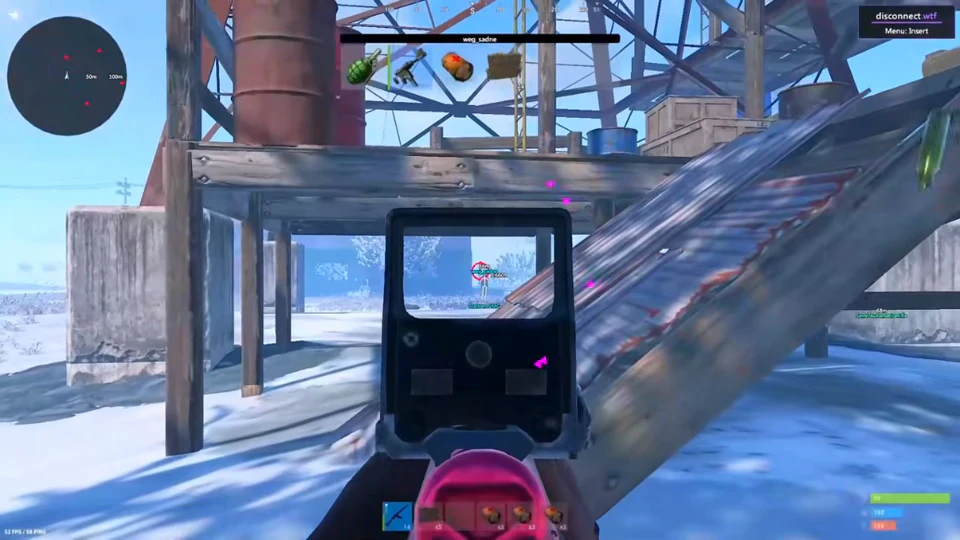
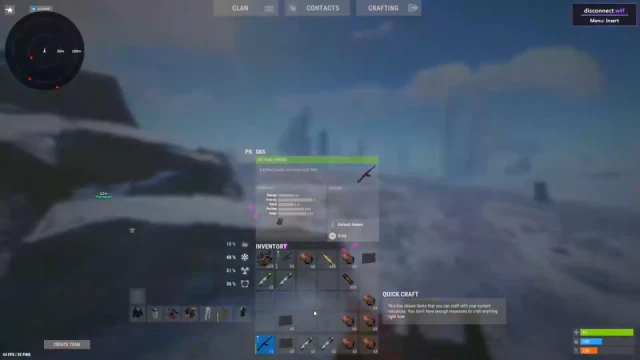
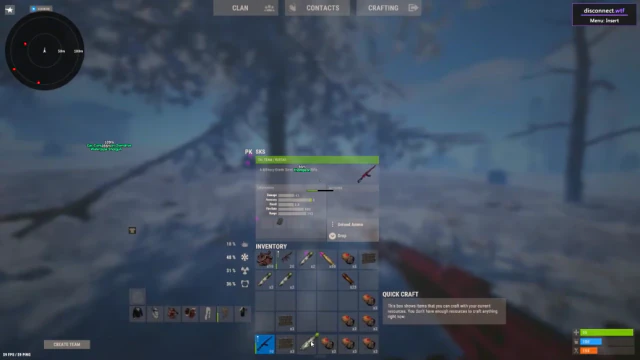
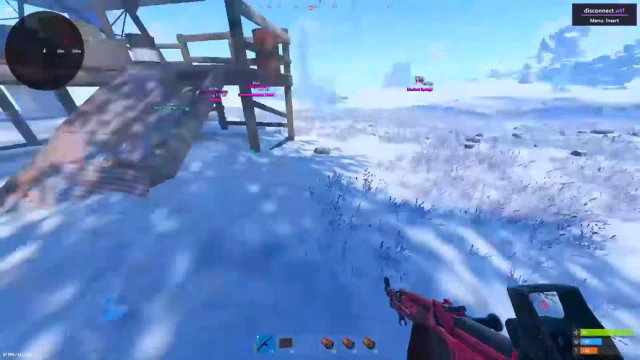
Use the screenshots above for Rust Cheats—below is what each layer means and how access works after checkout.
In-game layers
- Layer A
Aim view
Aiming toward a structure in a snowy Rust scene.
- Layer B
Settings panel
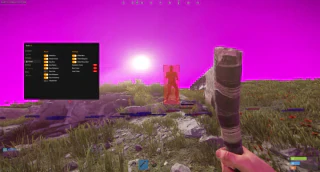
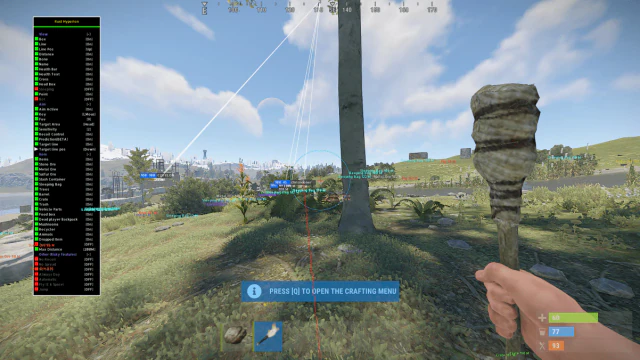
A settings panel shown over an outdoor Rust scene.
- Layer C
Combat view
A player outline and settings panel in a Rust scene.
Guides
Learn more about Rust Cheats
Curated articles for setup, tuning, and patch-day checks that match this product.
Compare the listed Rust Cheats durations and prices, then check compatibility and current status before choosing a plan.
A plain-language map of the ESP categories listed for Rust Cheats, from player labels to resources and traps.
Check the operating system, processor, graphics, memory, storage, and Cloud DMA details listed for Rust Cheats.
Understand the aimbot controls named in the Rust Cheats listing without assuming undocumented settings or behavior.
A short pre-launch checklist based on the product guidance to check status after game and anti-cheat updates.
Cheat FAQ
Rust cheats questions
Straight answers on aimbot, ESP, bans and setup — see the full FAQ for every topic.