
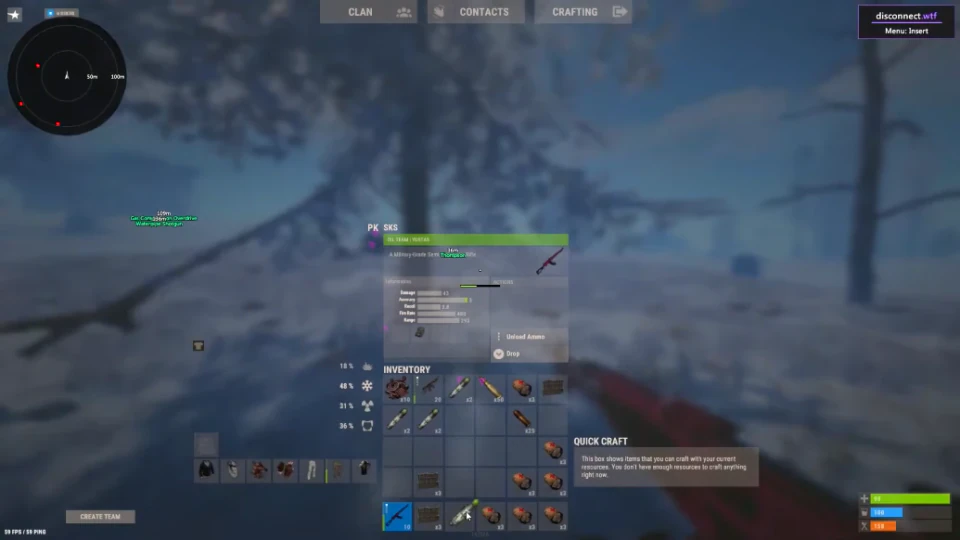
Rust ESP Features: Players, Resources, and World Objects
A plain-language map of the ESP categories listed for Rust Cheats, from player labels to resources and traps.
ESP is a broad label for the visual information tools listed on the Rust Cheats page. The supplied list groups options by the kind of object shown, with separate controls for visibility, color, and distance in several groups.
Player and scientist information
Player options include box, skeleton, name, health, item, and weapon ESP. The list also names player and team colors, a player distance slider, and a separate scientist toggle with its own color and distance controls.
Animals and resources
Animal ESP covers boars, deer, bears, polar bears, wolves, horses, and chickens, with color and distance controls. Resource options list sulfur, metal, and stone, along with ore distance and color settings.
Collectables, traps, and dropped items
The collectables group names wood, berries, hemp, and food. Trap options include shotgun traps, auto turrets, snap traps, flame turrets, land mines, and SAM sites. Separate toggles cover hidden stashes, tool cupboards, dropped items, weapons only, and vehicles.
How to read a feature list
A toggle enables or disables a category. A color setting changes its visual label, while a distance control limits how far away that category is displayed. The product list names these controls, but it does not provide a numeric range for every slider.
If you are comparing the available options, look at the exact category names and their controls rather than relying on a generic ESP label. Also check the live product status after a Rust or anti-cheat update.